Choosing a Content Management System (CMS) is a critical first step for your company. It acts as the command center for your website, influencing how you publish articles, manage products, and attract customers through search engines. With numerous platforms available, each offering different features, making the right choice is essential for long-term growth and avoiding the hassle of a future website migration.
This guide is designed to help you make an informed decision. We’ve analyzed the 12 best CMS for small business, providing a practical, in-depth comparison to help you see beyond the marketing hype. We focus on how each platform works in the real world, so you can understand which one best fits your business goals—whether you’re a local home services company needing leads or a national e-commerce store focused on sales.
Each platform review includes a clear breakdown of pros and cons, transparent pricing, and an honest look at its limitations. We’ll explore the best uses for each CMS, from WordPress and Shopify to Webflow and Duda, complete with screenshots and direct links for your own evaluation. While many are true content management systems, some function as all-in-one site builders. For a deeper dive into those, our guide on the best website builders for small business is a helpful resource. Our goal is to give you all the information you need to select a CMS that supports your business today and can grow with you tomorrow.
1. WordPress.org (Self-Hosted)
With a dominant market share, WordPress.org is the open-source platform that stands as the best CMS for small businesses wanting total control and scalability. Unlike the hosted WordPress.com, this self-hosted version gives you complete ownership of your website’s files and data. This means you get to choose your own hosting provider, allowing you to optimize for speed, security, and cost. While this requires a bit more technical setup at the start, the long-term benefits are significant.
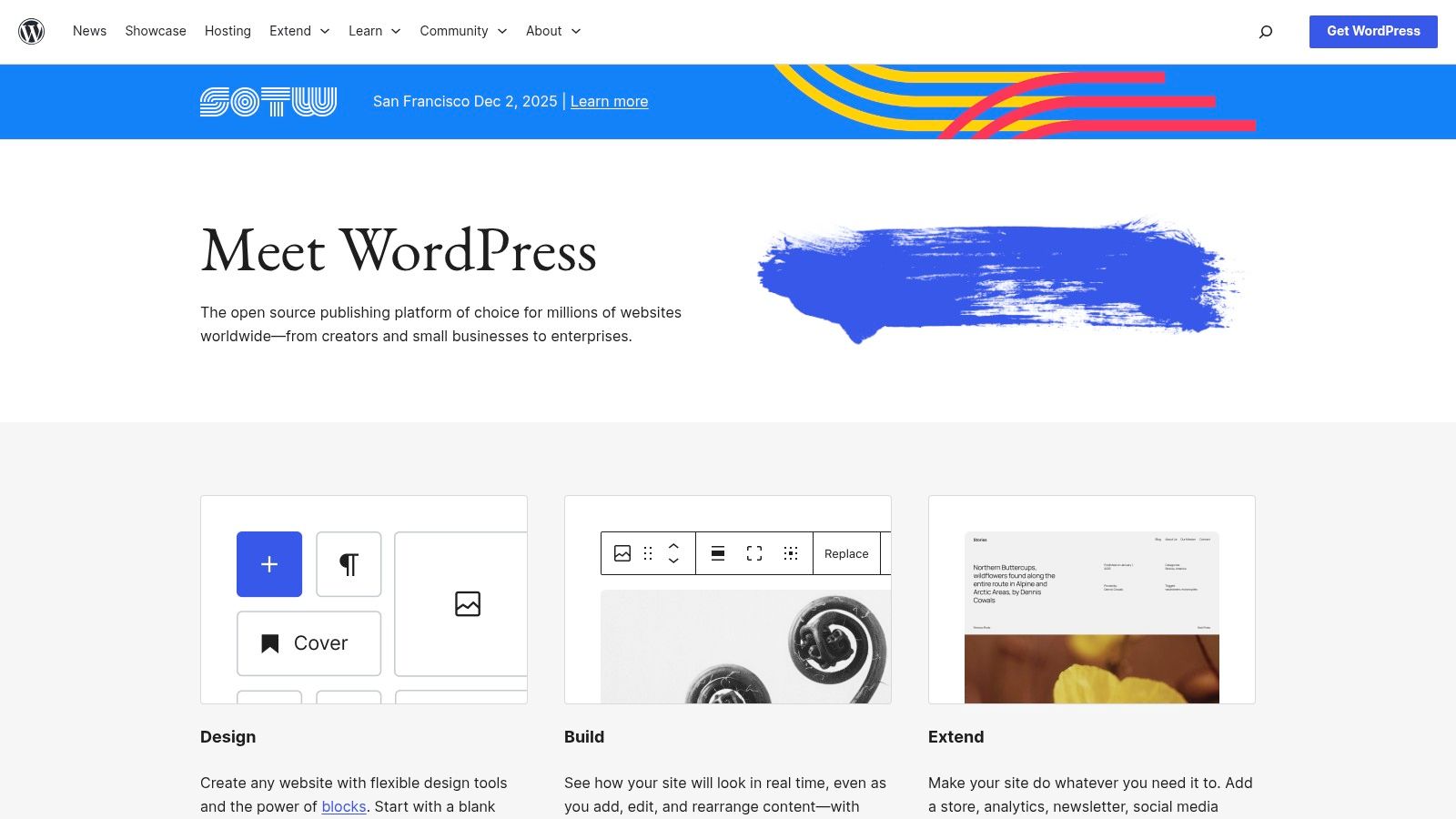
The platform’s greatest strength is its endless customization. With a library of over 60,000 plugins and thousands of themes, you can build nearly any type of website, from a simple portfolio to a complex e-commerce store. If your small business needs to sell online, you can use some of the best WordPress plugins for ecommerce to create a powerful store with advanced features. This adaptability makes it an ideal choice for businesses planning for future growth without being locked into a restrictive system.
Core Considerations
- Pros:
- Total Ownership: You have complete control over your site, data, and hosting environment.
- Limitless Customization: Access to a massive ecosystem of themes and plugins allows for endless functionality.
- Massive Community: A huge global community provides extensive documentation, forums, and tutorials for support.
- Cons:
- Management Responsibility: You are responsible for hosting, security, backups, and software updates.
- Learning Curve: Can be more intimidating for absolute beginners compared to all-in-one builders.
- Pricing: The WordPress software is free, but you must budget for a domain (≈$15/year) and web hosting (starting from $5-$30/month). For hassle-free performance, explore managed WordPress hosting services.
2. WordPress.org (Self-Hosted)
With a dominant market share, WordPress.org is the open-source platform that stands as the best CMS for small businesses wanting total control and scalability. Unlike the hosted WordPress.com, this self-hosted version gives you complete ownership of your website’s files and data. This means you get to choose your own hosting provider, allowing you to optimize for speed, security, and cost. While this requires a bit more technical setup at the start, the long-term benefits are significant.
The platform’s greatest strength is its endless customization. With a library of over 60,000 plugins and thousands of themes, you can build nearly any type of website, from a simple portfolio to a complex e-commerce store. This adaptability makes it an ideal choice for businesses planning for future growth without being locked into a restrictive system. It empowers you to build a powerful digital presence that evolves with your company, ensuring you never outgrow your platform.
Core Considerations
- Pros:
- Total Ownership: You have complete control over your site, data, and hosting environment.
- Limitless Customization: Access to a massive ecosystem of themes and plugins allows for endless functionality.
- Massive Community: A huge global community provides extensive documentation, forums, and tutorials for support.
- Cons:
- Management Responsibility: You are responsible for hosting, security, backups, and software updates.
- Learning Curve: Can be more intimidating for absolute beginners compared to all-in-one builders.
- Pricing: The WordPress software is free, but you must budget for a domain (≈$15/year) and web hosting (starting from $5-$30/month). For hassle-free performance, explore managed web hosting services.
3. Wix
Wix is a popular all-in-one website builder, making it one of the best CMS choices for small business owners who value speed and simplicity. It eliminates the technical challenges of hosting and setup by offering an easy-to-use drag-and-drop editor and a full suite of built-in tools. This platform is perfect for service businesses, artists, and restaurants that need a professional website quickly, without writing any code. Its user-friendly design allows you to launch a new site in just a few hours.
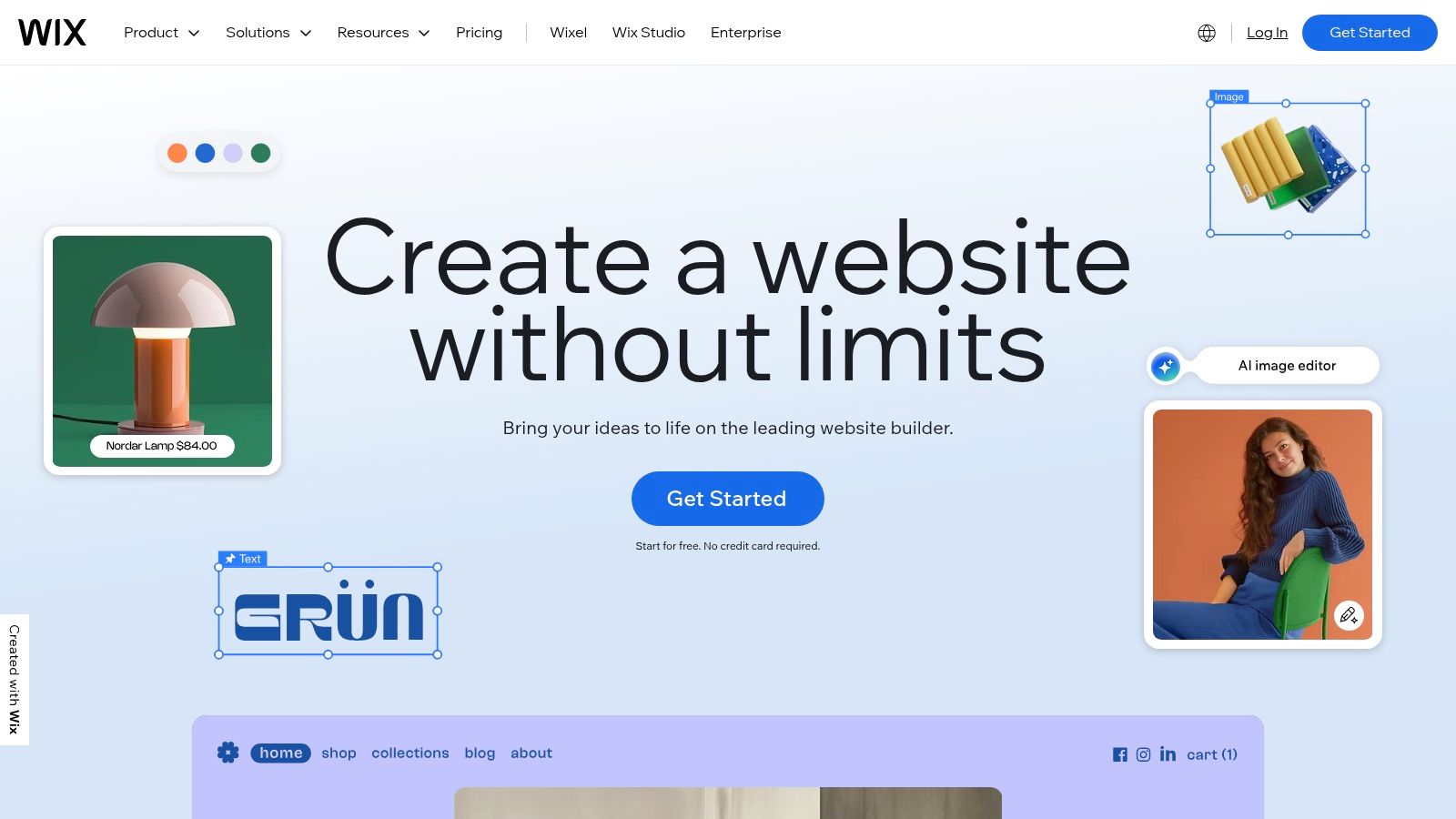
The platform’s strength is its accessibility and complete feature set. With over 900 designer-made templates and powerful AI creation tools (Wix ADI), getting started is incredibly fast. Beyond just building pages, Wix offers built-in solutions for e-commerce, appointment scheduling, event management, and marketing. While this creates a wonderfully streamlined experience, it comes at the cost of the deep customization and portability found in open-source systems. For many small businesses, this trade-off is well worth the convenience and integrated support.
Core Considerations
- Pros:
- Extremely User-Friendly: The drag-and-drop editor is one of the most intuitive on the market.
- All-in-One Solution: Hosting, domain, SSL, and business tools are all managed within one ecosystem.
- Vast Template Library: A huge selection of professional templates for nearly any industry.
- Cons:
- Limited Portability: Migrating a Wix site to another platform is difficult and often requires a complete rebuild.
- Plan-Based Feature Access: Advanced features like e-commerce analytics are locked behind more expensive tiers.
- Pricing: Wix offers a free plan with ads. Paid plans without Wix branding start at around $17/month, with Business and eCommerce plans ranging from $29 to $159/month, depending on feature requirements.
4. Squarespace
Squarespace is the all-in-one platform for small businesses that want a stunning, professional design without needing to code. It combines an easy-to-use website builder, powerful CMS features, hosting, and e-commerce tools into one seamless package. Known for its award-winning templates, Squarespace helps service providers, creatives, and retailers create beautiful websites that look great on any device, which is essential for today’s mobile-first world.
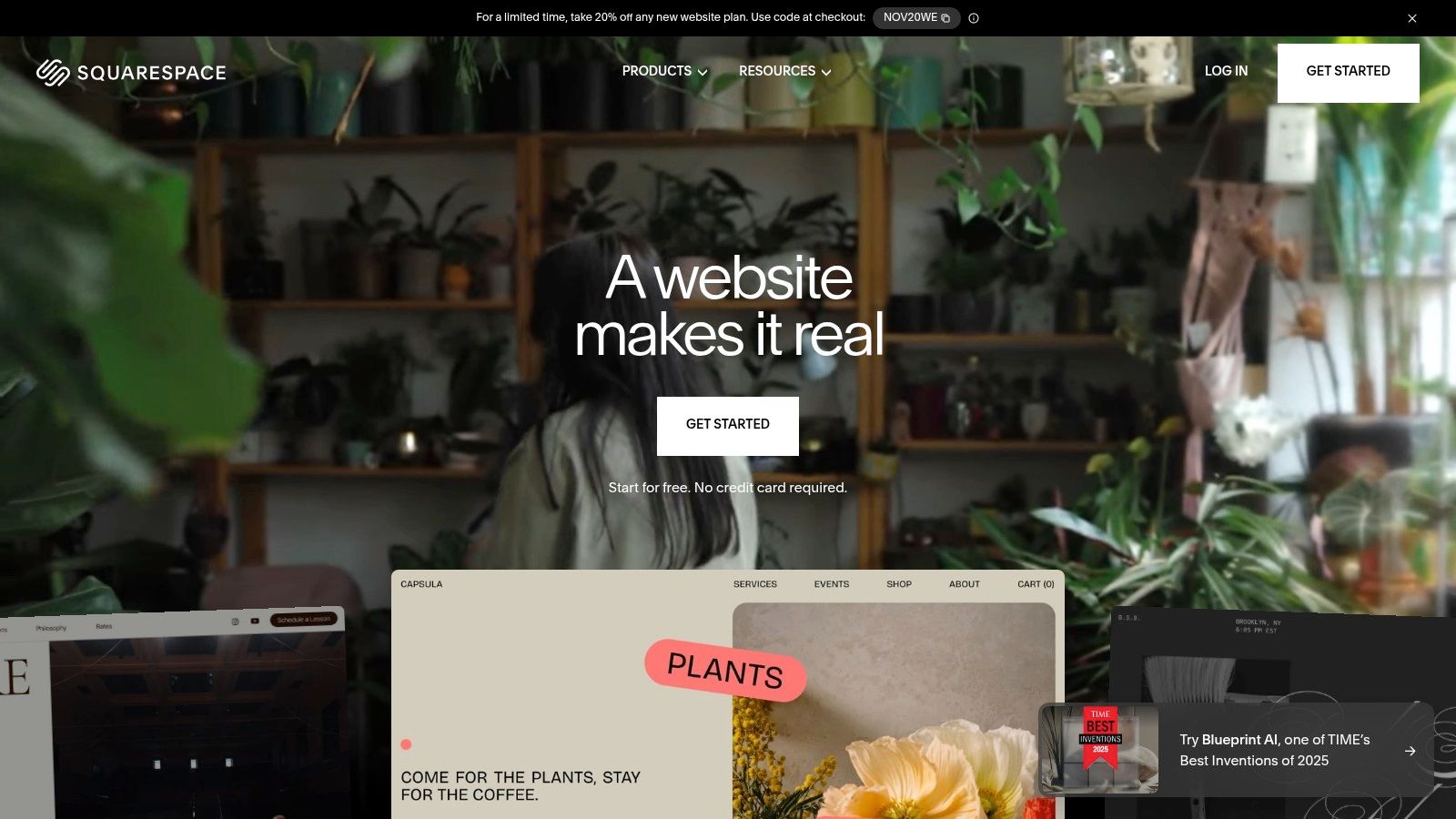
The platform’s strength lies in its all-inclusive environment. Everything from built-in SEO tools and analytics to SSL security and domain registration is handled within its system. Features like the AI-powered Squarespace Blueprint help you create initial layouts, while integrated e-commerce and point-of-sale (POS) solutions make it simple to sell products online and in person. Its focus on simplicity and powerful design makes it a great choice for businesses wanting a polished web presence with minimal technical effort. Since all templates are mobile-first, you can learn how to optimize a website for mobile to ensure an exceptional user experience.
Core Considerations
- Pros:
- Best-in-Class Design: Award-winning, aesthetically pleasing templates that are easy to customize.
- All-in-One Solution: Includes hosting, security, domains, and robust marketing and commerce tools out of the box.
- Ease of Use: An intuitive drag-and-drop editor and a streamlined interface make it beginner-friendly.
- Cons:
- Less Extensibility: Limited customization options compared to open-source platforms like WordPress; no third-party app market.
- No Free Plan: Lacks a permanent free tier, though a 14-day free trial is available.
- Transaction Fees: The lower-tier business plans include transaction fees on sales.
- Pricing: Plans start at $16/month (billed annually) for a personal site and go up to $49/month for advanced commerce features. All plans include a free custom domain for the first year.
5. Shopify
For small businesses that sell products, Shopify is the clear leader in the e-commerce world. It’s a commerce-focused platform that combines a powerful content management system with a full suite of business tools. Shopify simplifies the entire process of selling online and in person by integrating store design, inventory management, payment processing, and shipping into one easy-to-use dashboard. This all-in-one approach allows entrepreneurs to launch a professional, high-performance online store quickly and reliably.
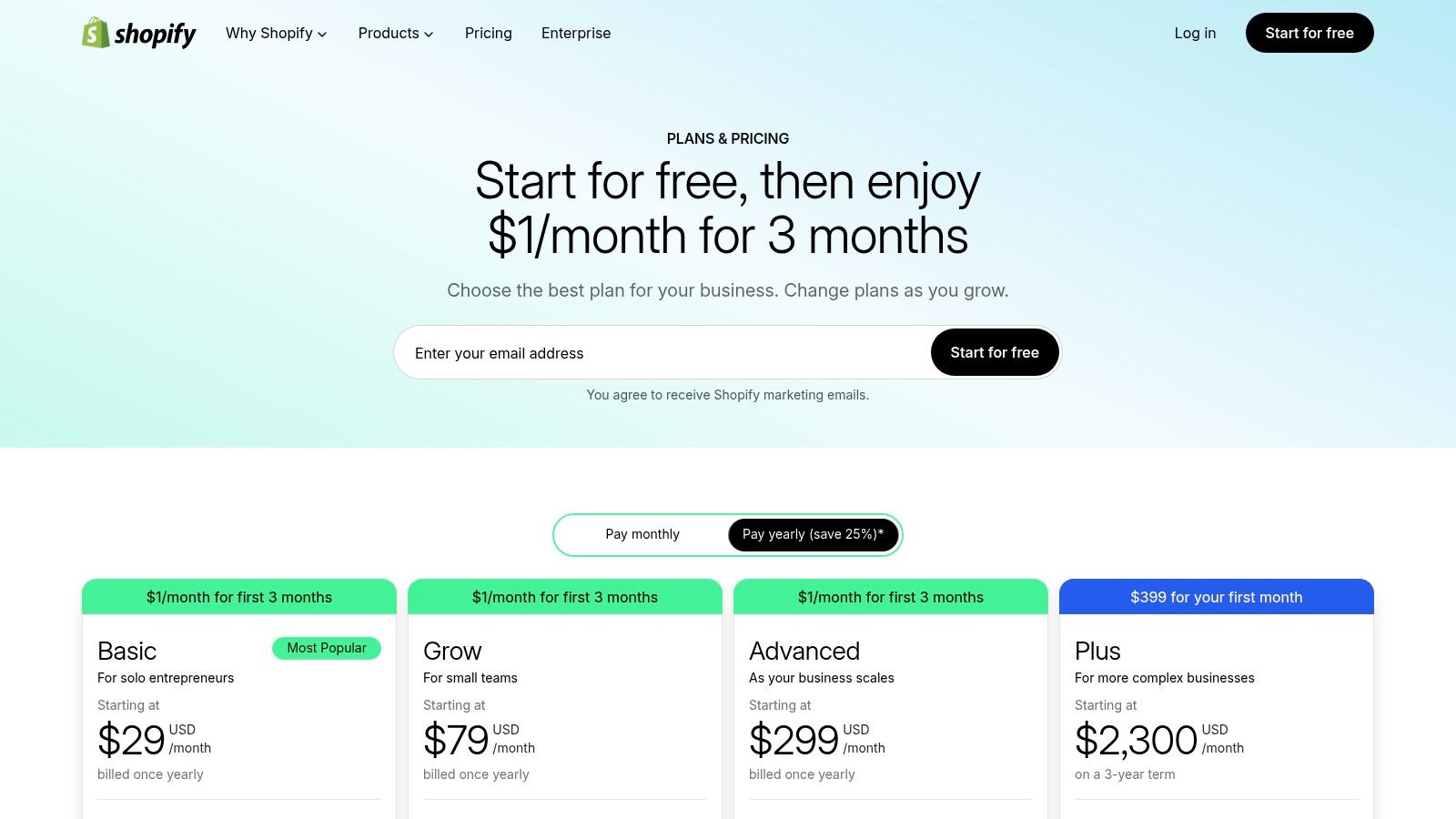
The platform’s main advantage is its huge app ecosystem, which includes over 8,000 apps and professionally designed themes. This allows businesses to add specialized features for marketing, customer service, and selling across multiple channels like social media and online marketplaces. While its primary focus is e-commerce, Shopify also includes a capable blogging feature, making it a solid choice for businesses that use content marketing to drive sales. It is the best CMS for small business owners who prioritize sales and efficiency over deep, code-level customization.
Core Considerations
- Pros:
- Fast Store Launch: Enterprise-grade hosting, security, and performance are included, enabling a quick setup.
- Huge App Ecosystem: Integrates seamlessly with thousands of apps for marketing, shipping, and POS.
- User-Friendly: Excellent onboarding, a clean interface, and a free trial make it accessible to beginners.
- Cons:
- Mounting Costs: Monthly fees for essential apps and third-party payment gateway fees can accumulate.
- Customization Limits: Advanced design changes or functionality may require paid apps or upgrading to a higher-tier plan.
- Pricing: Plans range from Basic (starting at $29/month) to Advanced, with a transaction fee for non-Shopify Payments users. Understanding the full e-commerce website development cost is crucial when budgeting for your store.
6. Webflow
Webflow fills the space between no-code website builders and custom-coded sites, making it a top CMS for small businesses that demand creative control and high-quality design. It offers a visual, canvas-like editor that allows for pixel-perfect design without writing code, all while producing clean and efficient front-end output. This makes it an excellent choice for design agencies, freelancers, and businesses that refuse to compromise on their brand’s unique look and feel.
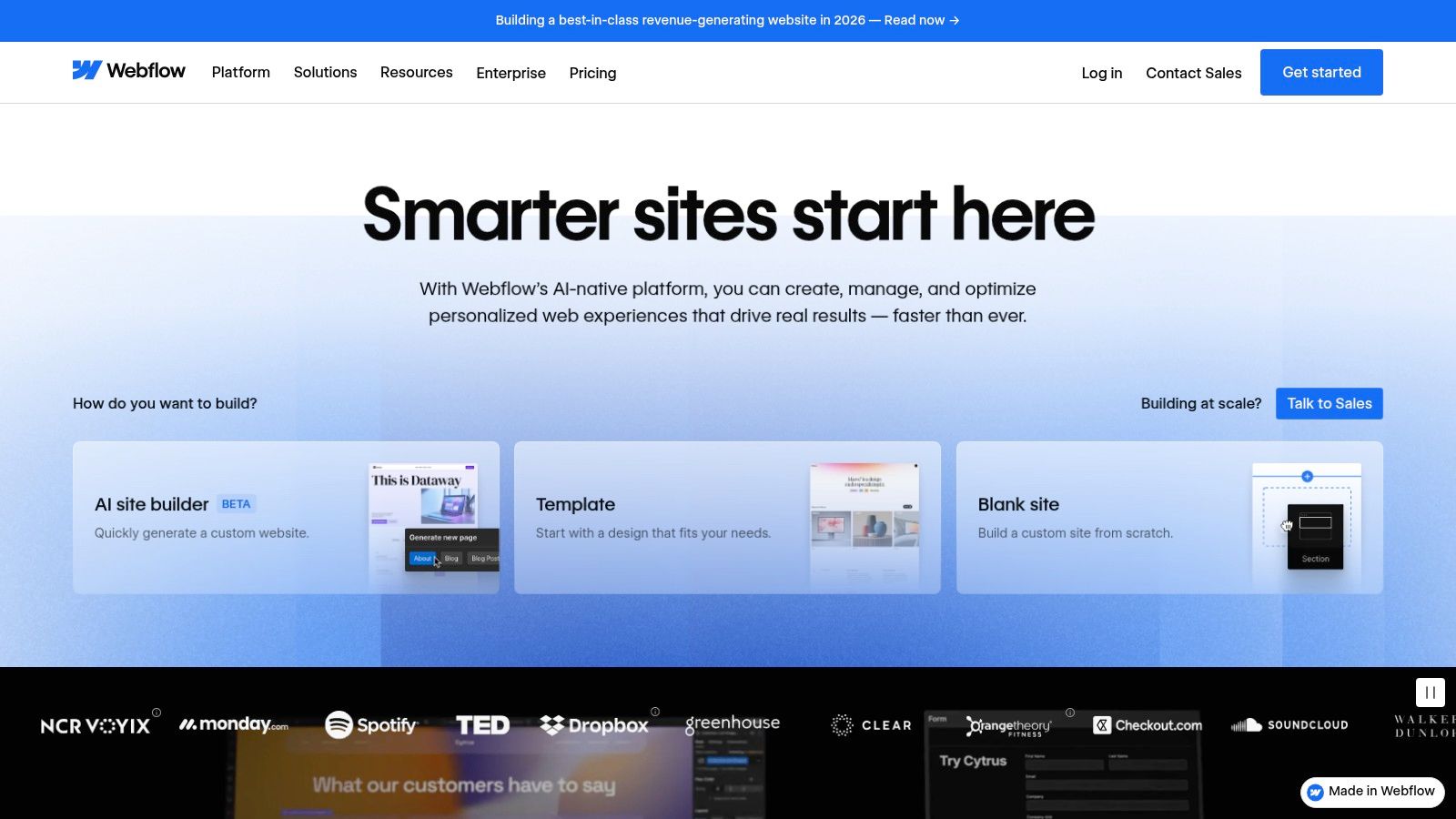
The platform’s power also comes from its flexible CMS Collections, which let you create structured content for blogs, portfolios, directories, and more. This structured approach ensures your content is easy to manage and can scale as your business grows. For businesses wanting to create a truly unique user experience, Webflow provides tools for advanced animations and interactions that would normally require a developer. Mastering its interface is key to unlocking its full potential, aligning perfectly with modern website design best practices.
Core Considerations
- Pros:
- Pixel-Level Design Control: Unmatched visual editing capabilities for custom, responsive designs without code.
- Clean Code Output: Generates semantic, high-quality HTML, CSS, and JavaScript for better performance.
- Powerful CMS Collections: Flexible content structuring for blogs, catalogs, and dynamic content types.
- Cons:
- Steeper Learning Curve: More complex than simple drag-and-drop builders, requiring time to master.
- Pricing Tiers: Costs can increase as you add e-commerce functionality or exceed traffic and form submission limits.
- Pricing: Plans start with a free tier for learning. Paid site plans begin around $14/month (billed annually) for basic sites, with CMS plans starting at ≈$23/month. E-commerce plans start from $29/month.
7. BigCommerce
BigCommerce is a dedicated SaaS e-commerce platform that is the best CMS for small businesses focused on multi-channel sales and scalable growth, all without extra transaction fees. It is built to power ambitious online stores, giving merchants a robust set of tools from the start. This all-in-one approach provides unlimited products, storage, and bandwidth on all plans, ensuring your store can grow without hitting limits. The platform’s key advantage is its focus on helping you sell everywhere, with built-in integrations for major marketplaces like Amazon and eBay and social channels like Facebook and Instagram.
Unlike some competitors, BigCommerce doesn’t charge its own transaction fees on top of your payment processor’s, allowing you to keep more of your revenue as you scale. Its advanced API and Headless Commerce options also provide flexibility for businesses wanting to create custom front-end experiences. For merchants serious about online selling, it’s important to understand the platform’s specific SEO features. To maximize your store’s visibility, it’s worth reviewing core ecommerce SEO best practices to get the most out of its built-in tools.
Core Considerations
- Pros:
- No Platform Transaction Fees: Keep more of your revenue on all plans.
- Scalable & Feature-Rich: Offers unlimited products, strong multi-channel selling tools, and powerful APIs.
- 24/7 Support: Reliable customer support is available to assist with technical issues.
- Cons:
- Forced Plan Upgrades: You are automatically moved to a higher-tier plan once your sales exceed the annual threshold.
- App Dependency: Advanced or niche functionality often requires paid apps, which can increase monthly costs.
- Pricing: Plans are based on annual sales volume, starting at around $39/month. Higher-tier plans offer reduced payment processing rates and advanced features.
8. Square Online (by Block/Square)
For small businesses that already use Square for payments and in-person sales, Square Online is a natural and powerful choice. It’s designed for omnichannel commerce, seamlessly syncing your in-person and online sales, inventory, and customer data. This integration removes the common hassle of managing separate systems, making it a top CMS for retail shops, restaurants, and service providers that operate both physically and digitally. The platform simplifies everything from online ordering with curbside pickup to appointment booking and digital invoicing.
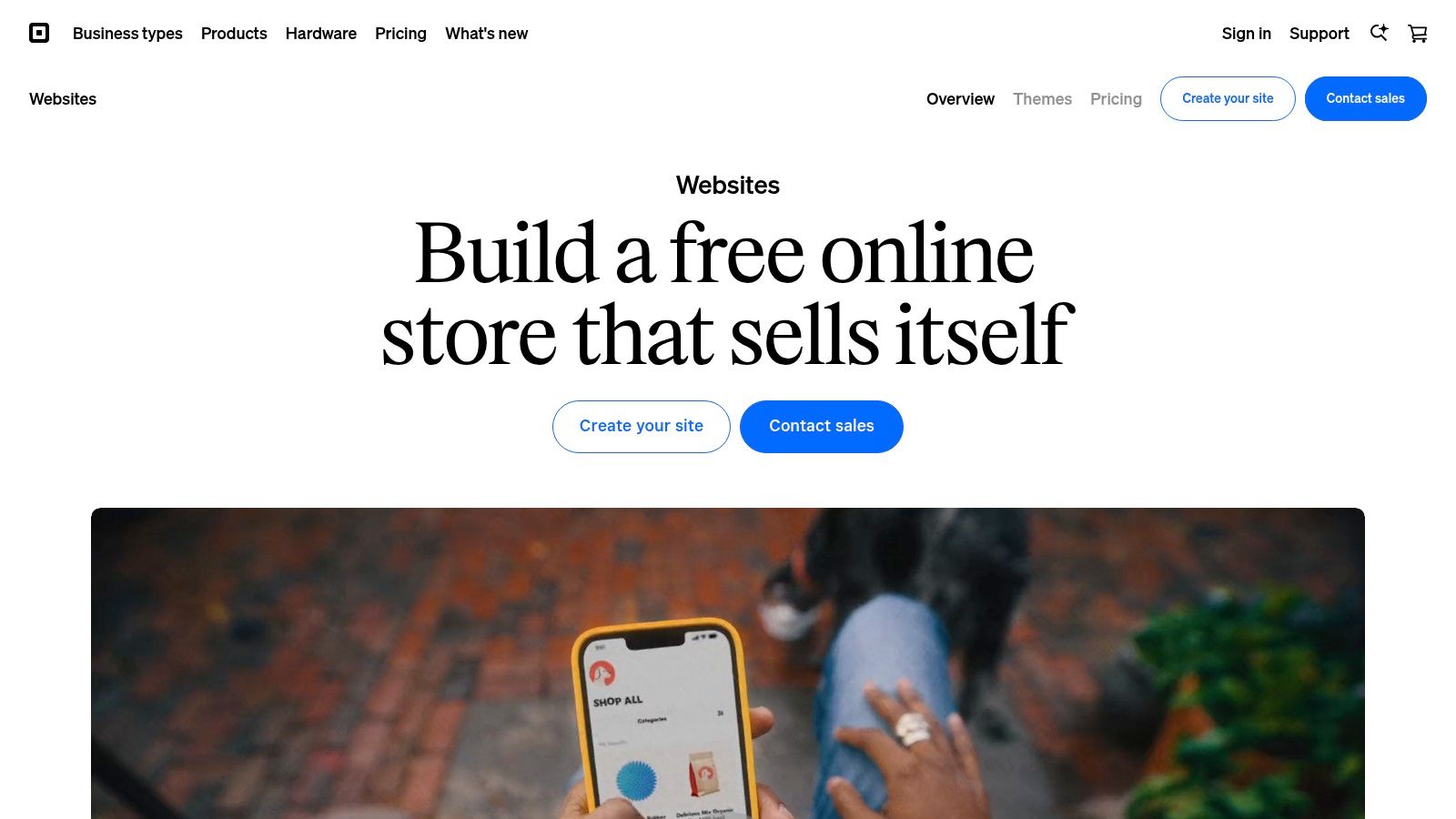
The platform’s strength is its efficiency. Setting up an online store is incredibly fast, especially if your products are already in your Square POS system. It automatically handles complexities like tax calculations and offers built-in marketing tools, including email and text message campaigns. While it may not be the most flexible for design-heavy websites, its practical, commerce-focused features provide a streamlined path to online sales for businesses that prioritize function and integration over custom aesthetics. This makes it an excellent choice for a small business looking for a CMS that just works.
Core Considerations
- Pros:
- Seamless POS Sync: Unmatched integration with Square POS for unified inventory, sales, and customer management.
- Free to Start: A robust free plan allows businesses to start selling online with no monthly fees.
- Omnichannel Ready: Built-in features for local delivery, in-store pickup, and appointment booking.
- Cons:
- Limited Design Customization: Less creative freedom compared to platforms like Squarespace or Webflow.
- Transaction-Focused: Best suited for commerce; less ideal for content-heavy or portfolio sites.
- Add-on Costs: Advanced features like email marketing and customer reviews require paid plans or add-ons.
- Pricing: A free plan is available (pays only transaction fees). Paid plans start at around $29/month, offering a custom domain, no Square ads, and lower processing fees. Explore more at the Square Online website.
9. Duda
Duda is a professional website builder and CMS platform created specifically for digital agencies and freelancers who serve small businesses. It stands out by offering powerful client management and white-labeling features, which allow you to deliver high-quality, branded web services at scale. The platform streamlines the entire workflow, from building responsive sites with an intuitive editor to managing client feedback and assets directly in the dashboard. This agency-focused model makes it an excellent choice for teams that need an efficient and scalable solution for multiple client projects.
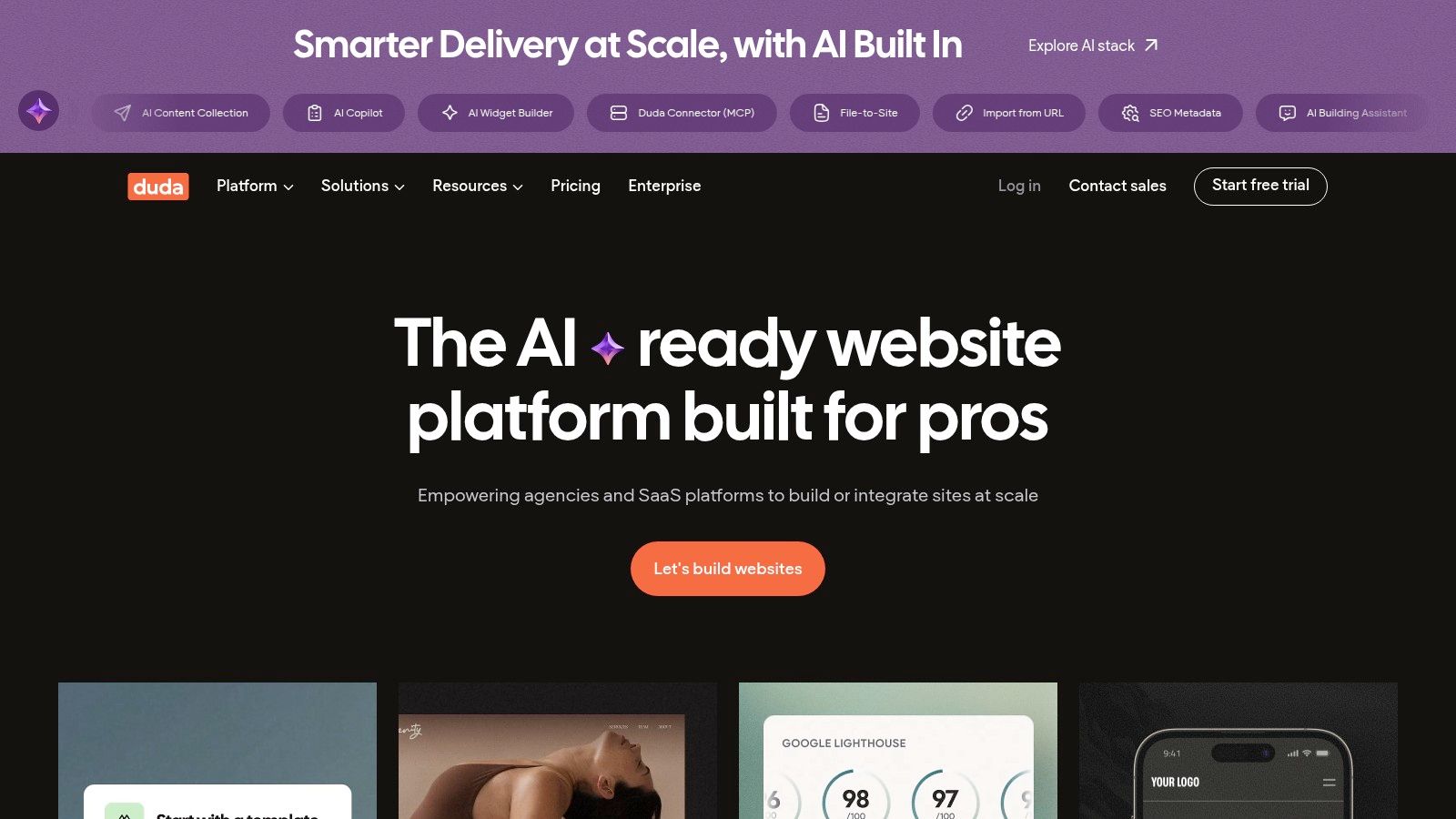
The platform’s core strength is its collaborative toolset. Features like client permissions, site comments, and centralized asset libraries simplify the revision process and keep projects organized. With built-in AI assistants for content generation and SEO, Duda empowers agencies to work faster and more effectively. Its high-performance AWS hosting ensures that every site you build is fast and reliable, backed by a 99.99% uptime guarantee. For any web professional managing a portfolio of small business clients, Duda provides the tools to build, manage, and scale with professional polish.
Core Considerations
- Pros:
- Agency-Focused Workflows: Built-in tools for client collaboration, feedback, and white-label branding.
- Excellent Performance: All sites are hosted on AWS with a guaranteed 99.99% uptime and strong page speed scores.
- Highly Scalable: Easily manage anywhere from one to hundreds of client websites from a single dashboard.
- Cons:
- No Free Plan: Lacks a permanent free tier, offering only a 14-day trial to test the platform.
- Paid Ecommerce Add-On: E-commerce capabilities are not included in standard plans and must be added on a per-site basis.
- Pricing: Plans are designed for agencies and start at $25/month for one website, with team and agency-level plans offering lower per-site costs as you scale. You can learn more at https://www.duda.co/.
10. HubSpot Content Hub (CMS)
For small businesses where marketing and sales are the main drivers of growth, HubSpot Content Hub is arguably the best CMS available. It goes beyond being a simple website builder by deeply integrating your content with a powerful Customer Relationship Management (CRM) platform. This all-in-one approach allows you to create a seamless customer journey, from their first visit to your blog to the final sale, all within a single system. Your website becomes an active part of your marketing and sales engine, not just a digital brochure.
HubSpot empowers businesses to build and manage websites with an intuitive drag-and-drop editor while using built-in SEO tools and AI-powered content creators to attract visitors. Its true power is unlocked when you use customer data from the integrated CRM to personalize content, create targeted calls-to-action, and automate follow-up emails. This makes it an ideal choice for service-based businesses or companies focused on lead generation and nurturing long-term customer relationships through data-driven marketing.
Core Considerations
- Pros:
- All-in-One Platform: Unifies your CMS, CRM, and marketing automation tools, providing a single source of truth for customer data.
- Powerful Lead Generation: Built-in forms, pop-ups, and analytics are designed to capture and nurture leads effectively.
- Personalization at Scale: Use CRM data to create dynamic content that adapts to individual visitor behavior and attributes.
- Cons:
- Cost Escalation: The pricing model, based on seats and feature tiers, can become expensive as your team and contact list grow.
- Potential Overkill: Might be too complex and costly for businesses that only require a basic informational website.
- Pricing: HubSpot offers a free CMS with limited features. Paid plans start at around $23/month and scale significantly based on the tier and number of contacts. Explore the full offering at hubspot.com.
11. GoDaddy Websites + Marketing (Website Builder)
GoDaddy Websites + Marketing is an all-in-one platform designed for small businesses that need an online presence quickly and affordably. It bundles a website builder, hosting, domain management, and essential marketing tools into a single, user-friendly package. This integrated approach removes the technical complexity of managing separate services, making it a great choice for entrepreneurs who want to build and promote their site from one dashboard. The platform is especially effective for service-based businesses that need simple booking features and basic lead generation tools.
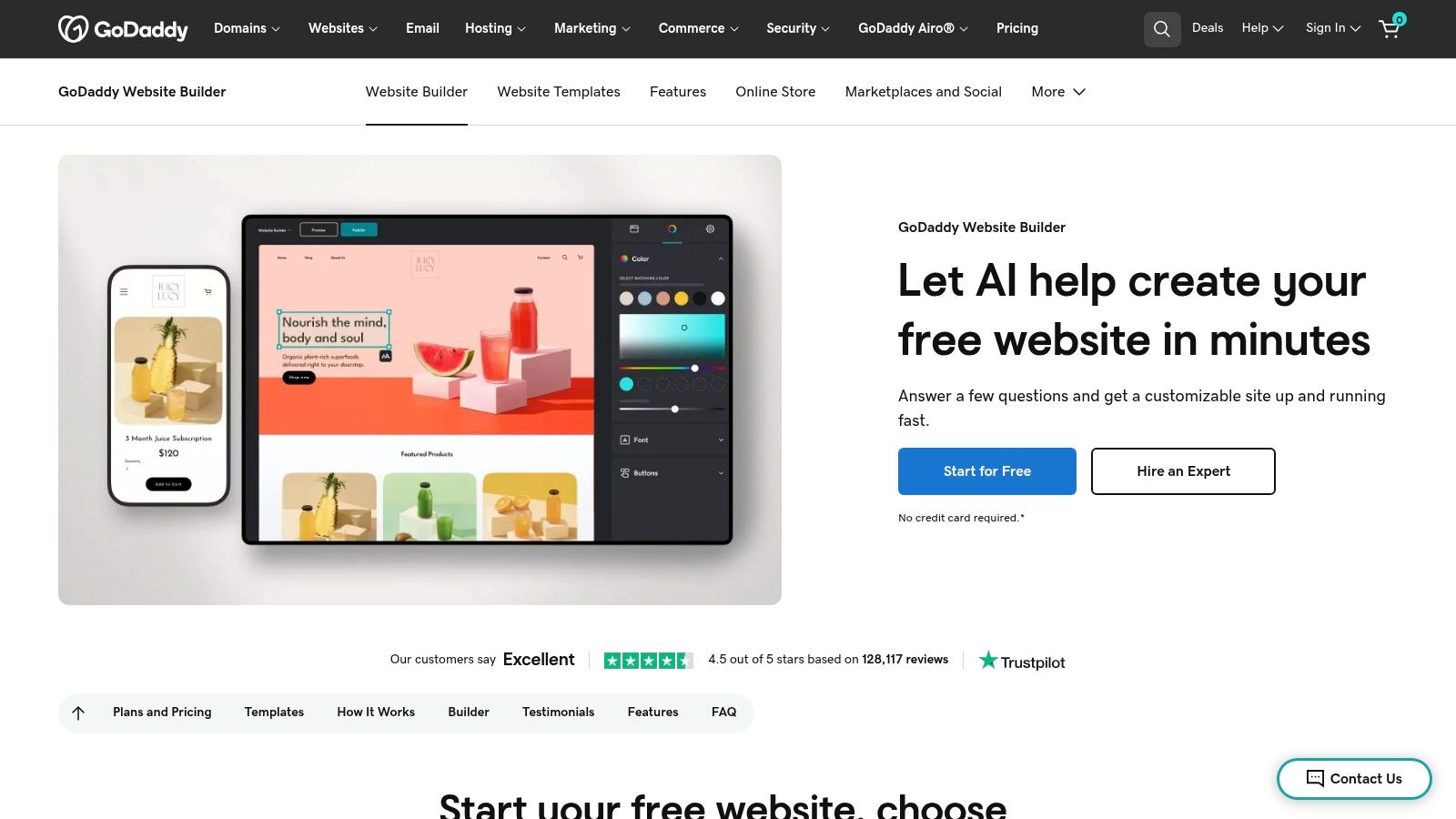
The platform stands out with its AI-assisted site creation and a suite of built-in tools for email marketing, social media posting, and basic SEO. While it may not offer the deep customization of more complex systems, its strength is its speed and simplicity. A business owner can go from sign-up to a published, professional-looking website in under an hour. For US-based businesses, the inclusion of 24/7 phone and chat support provides a valuable safety net, ensuring help is always available when needed.
Core Considerations
- Pros:
- Extremely Fast Setup: Get a professional website online in minutes with AI-assisted tools and simple templates.
- All-in-One Solution: Includes hosting, an SSL certificate, marketing tools, and domain integration.
- Strong Customer Support: Access to 24/7 customer support is a major benefit for non-technical users.
- Cons:
- Limited Customization: Design and feature flexibility are more restricted compared to platforms like WordPress or Squarespace.
- Higher Renewal Costs: Initial pricing is attractive, but renewal rates and add-on costs can be significantly higher.
- Pricing: Plans start with a free-tier option. Paid plans range from approximately $10 to $25 per month, with e-commerce functionality available on higher-tier plans. Visit the GoDaddy Website Builder page for current pricing.
12. Ghost(Pro)
Ghost is a powerful, minimalist CMS designed for publishers, creators, and content-focused small businesses. If your business model is built around creating an audience through high-quality content, newsletters, and paid memberships, Ghost offers a beautifully streamlined and integrated solution. It removes the complexity of traditional CMS platforms, providing a clean, fast writing experience that lets you focus purely on your content.
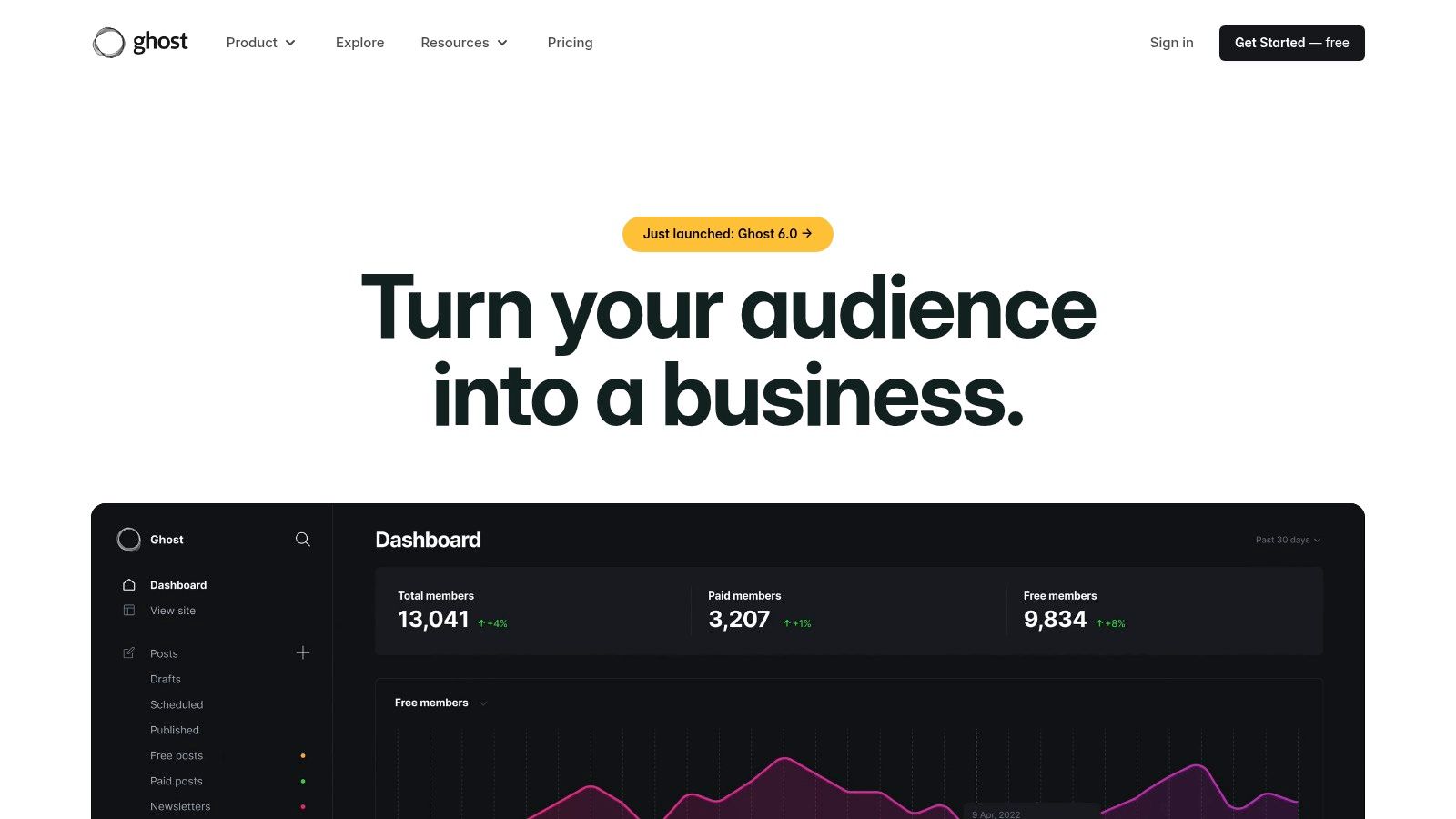
The platform’s standout feature is its built-in membership and newsletter functionality. Without needing third-party plugins, you can launch email newsletters and offer paid subscriptions directly to your audience through a seamless Stripe integration. This makes Ghost an exceptional choice for experts, consultants, or niche communities looking to monetize their knowledge directly. Its focus on performance and SEO fundamentals also ensures your content is delivered quickly and is easily discoverable by search engines, making it a strong contender for the best CMS for small business growth.
Core Considerations
- Pros:
- All-in-One Publishing: Built-in tools for memberships, subscriptions, and email newsletters simplify monetization.
- Excellent Performance: The lightweight architecture ensures incredibly fast load times, which is great for SEO and user experience.
- Clean and Modern UI: Offers a distraction-free writing and content management interface that is a joy to use.
- Cons:
- Limited E-commerce: Not designed for traditional online stores; selling physical products requires integration with other platforms.
- Smaller Ecosystem: Has a much smaller selection of themes and integrations compared to a giant like WordPress.
- Pricing: The open-source software is free if self-hosted. The managed Ghost(Pro) hosting plans start at $9/month and scale up based on the size of your audience.
Top 12 Small-Business CMS Comparison
| Platform | Core features | UX / Quality | Value & Pricing | 👥 Target audience | Unique selling points |
|---|---|---|---|---|---|
| WordPress.com | Hosted WordPress, themes/plugins (plan-dependent), AI site creation, hosting & commerce options | ★★★★ — easy setup, limited server control | 💰 Free → Premium (mid‑high for commerce) | 👥 Small businesses wanting WP without server management | ✨ WP ecosystem + managed hosting, 🏆 easiest WP path |
| WordPress.org (Self‑Hosted) | Self‑hosted WP, full code & DB control, huge plugin/theme ecosystem | ★★★★★ — max flexibility, needs maintenance | 💰 Variable (hosting + dev) — cost depends on stack | 👥 Businesses needing ownership, portability & customization | ✨ Full customization & portability, 🏆 maximum control |
| Wix | Drag‑and‑drop editor, 900+ templates, AI tools, built‑in hosting & ecommerce | ★★★★ — very fast launch, beginner friendly | 💰 Low → Med (tiered; limited portability) | 👥 Non‑technical small businesses & solopreneurs | ✨ Rapid builds + app market, 🏆 ease of use |
| Squarespace | Polished templates, integrated blog & ecommerce, media tools, hosting | ★★★★ — design‑first simplicity | 💰 Med (no permanent free; transaction fees on lower plans) | 👥 Design‑focused SMBs, creatives | ✨ Best‑in‑class design & media tools, 🏆 professional aesthetics |
| Shopify | Storefront CMS, POS, payments, inventory, 8k+ apps, multi‑channel selling | ★★★★★ — commerce reliability & scale | 💰 Med → High (apps & gateway fees can add up) | 👥 Product‑driven merchants & multichannel sellers | ✨ Deep commerce ecosystem & POS, 🏆 commerce leader |
| Webflow | Visual designer, CMS collections, hosting, native ecommerce & AI tooling | ★★★★ — pixel‑level control, steeper learning curve | 💰 Med → High (designer/agency pricing) | 👥 Designers & teams wanting front‑end precision | ✨ Pixel control + clean output, 🏆 designer‑grade CMS |
| BigCommerce | SaaS ecommerce, unlimited products/storage, APIs, marketplace integrations | ★★★★ — scale‑ready, enterprise features | 💰 Med → High (revenue‑tiered; transparent fees) | 👥 Growing merchants seeking low platform fees | ✨ No added transaction fees, strong multi‑channel, 🏆 scalable commerce |
| Square Online (Block) | Online store with pickup/delivery, Square POS/payments, marketing add‑ons | ★★★★ — seamless POS ↔ online sync | 💰 Low → Med (free tier; clear transaction pricing) | 👥 Local retailers, restaurants & service businesses | ✨ POS integration & easy product sync, 🏆 omnichannel local commerce |
| Duda | Agency builder, white‑label portal, client permissions, AI assistants | ★★★★ — agency workflows & fast hosting | 💰 Med (agency plans; no permanent free tier) | 👥 Agencies & freelancers managing multiple client sites | ✨ White‑label + client management, 🏆 agency‑friendly tooling |
| HubSpot Content Hub | CMS + CRM + automation, personalization, SEO & AI content tools | ★★★★ — strong analytics & personalization | 💰 High (seat/bundle pricing) | 👥 Marketing‑led SMBs needing integrated CRM & CMS | ✨ CRM‑driven personalization & workflows, 🏆 unified marketing platform |
| GoDaddy Websites + Marketing | AI site creation, templates, basic SEO/email/social tools, hosting & domain | ★★★ — very quick & accessible | 💰 Low (budget entry; renewals/add‑ons raise TCO) | 👥 Budget‑minded US small businesses | ✨ Fast all‑in‑one setup, 🏆 affordability & support |
| Ghost(Pro) | Publishing CMS, newsletters, memberships, Stripe payments, analytics | ★★★★ — minimal, fast publishing experience | 💰 Med (managed plans for creators/publishers) | 👥 Creators, publishers & content‑led SMBs | ✨ Native memberships & email, performance‑focused, 🏆 publishing‑first |
Making Your Choice: Partner with Experts for the Perfect Fit
Navigating the world of content management systems can feel overwhelming, but making an informed choice is a key step toward building a successful online presence. In this guide, we’ve explored a dozen different platforms, each with its own unique strengths, weaknesses, and best uses. From the unmatched flexibility of self-hosted WordPress.org to the streamlined e-commerce power of Shopify and the design-focused approach of Webflow, the right solution is out there for you.
The process doesn’t end with picking a platform from a list. The truly best CMS for a small business is the one that aligns perfectly with your specific business needs, technical comfort level, and long-term growth goals. Your final decision is a strategic one that will shape your digital marketing, customer interactions, and ability to scale for years to come.
Key Takeaways for Your Decision-Making Process
To turn our detailed analysis into clear, actionable advice, keep these core principles in mind as you decide. Your choice should be a balance between your current resources and your future goals.
- Prioritize Your Core Business Need: Are you an e-commerce retailer needing strong product management like Shopify or BigCommerce offers? Or are you a law firm that needs a powerful lead-generation tool, making HubSpot CMS a strong contender? Let your main objective guide you.
- Balance Power with Usability: The endless customization of WordPress.org is a huge advantage, but it comes with a steeper learning curve and maintenance needs. In contrast, platforms like Wix or Squarespace offer simplicity but have limits on deep technical SEO and custom features.
- Factor in Total Cost of Ownership: Look beyond the monthly subscription fee. Consider the costs of essential plugins, premium themes, transaction fees (for e-commerce), and potential developer help. A “cheaper” platform can quickly become more expensive if it requires constant add-ons to meet your needs.
- Plan for Scalability: Your startup may only need a simple brochure site today, but what about in two years? Choose a platform that can grow with you. Migrating a website is a complex and costly project, so selecting a CMS with a clear growth path is a wise long-term investment.
Your Actionable Next Steps
Feeling empowered with this information is the first step; taking decisive action is the next. Don’t let indecision stall your progress.
- Revisit the Decision Flowchart: Use the flowchart provided earlier in this article to narrow your options down to two or three top contenders based on your specific business model and technical skills.
- Sign Up for Free Trials: Nearly every platform we’ve discussed offers a free trial or a free plan. Use this opportunity to get a hands-on feel for the dashboard, content editor, and overall user experience. This is the best way to determine if a CMS “clicks” with your workflow.
- Consult with a Digital Partner: The technical details of implementation, SEO optimization, and long-term maintenance can be complex. Partnering with an expert can save you time, prevent costly mistakes, and ensure your website is built on a solid foundation from day one.
Choosing the best CMS for your small business is not just about picking software; it’s about investing in the right digital foundation for your brand’s future. It’s the engine that will power your growth, connect you with customers, and drive your success in a competitive digital marketplace. Make your choice with confidence, knowing you’re setting your business up for a prosperous future online.
Ready to turn your vision into a high-performing website but unsure which platform to choose or how to start? The team at Raven SEO specializes in helping Maryland businesses select, design, and optimize the perfect CMS to meet their goals. Let us handle the technical complexities so you can focus on what you do best: running your business. Contact Raven SEO today for a consultation and let’s build your digital future together.